


Ever felt like keeping track of your spending is a full-time job? A smart finance tracker could be the friendly helper you need to take charge of your expenses and boost your savings. It turns a messy budget into a clear picture of your money landscape.
Many have found that the right tool not only takes the stress out of managing money but also helps them save more effectively. And whether you're into slick apps or prefer a DIY approach, these solutions offer a straightforward way to handle your finances effortlessly.
In this post, we'll walk you through some top options for simple, effective budgeting, so you can focus more on enjoying life and less on crunching numbers. Have you ever wondered how a small tweak in your spending habits could lead to big savings? Let's dive in and find out.
Best Finance Tracker Tools: Apps, Software, and Templates Compared

YNAB is a friendly budgeting tool that transforms managing your money into a straightforward process. It gives you a risk-free start through a 34-day free trial along with an extra free month. Many users have seen impressive results, saving around $600 in their first month and up to $6,000 over the first year. In fact, 92% of users report feeling much less stressed about money. Ever wondered how one simple change could ease your financial worries? One user even said, "I saved over $600 in just one month!"
SoFi’s finance tracker brings together a clear, personalized approach to money management. It not only helps you set achievable goals but also offers a range of online calculators to keep an eye on your budget, spending, investment portfolio, and even your debt. This tool is great if you’re looking for an all-in-one platform that tracks your everyday expenses while also providing insights into your investments. It’s like having a personal financial assistant in your pocket.
If you prefer a more hands-on, DIY approach, the Google Sheets Expense Tracker is a fantastic free option. With customizable categories and the ease of Google Forms, you can craft a budgeting system that fits your specific needs without spending extra money on software. It’s available in two versions, one with a single-form tracker and another that separates income and expenses. Plus, it includes useful features like designated rows for monthly adjustments and extra tabs to display spending graphs and tables to help you visualize your progress.
| Tool | Trial / Price | Core Features |
|---|---|---|
| YNAB | 34-day free trial + extra free month | Saves money fast, eases money stress, assigns every dollar a job |
| SoFi Finance Tracker | Subscription-based | Personalized planning, online calculators, portfolio and debt tracking |
| Google Sheets Expense Tracker | Free | Customizable setup, dual versions for income and expense, manual tracking |
Each of these tools meets different needs, from an all-in-one budgeting app to a flexible, free system for those who prefer a hands-on approach. They’re designed to help you take control of your finances in a way that feels right for you.
Finance Tracker Features: Key Functions and Integrations

Modern finance trackers work like a digital budget planner that brings simplicity and control to how you manage your money. They often come with customizable, color-coded categories, think of labeling groceries in green and transportation in blue, to make tracking expenses as easy on the eyes as it is on your wallet. This approach not only simplifies how you sort your spending but also makes spotting unusual charges a breeze.
You can choose to log your spending manually, giving you a personal touch that deepens your awareness of where each dollar goes. And if you’re after efficiency, CSV-import workflows let you sync your bank statements quickly, cutting down on tedious data entry. One user even said, "Every time I transfer my bank data through CSV-import, it’s like I’m giving every dollar a clear purpose," showing just how practical and personalized this method can feel.
Need to adjust your monthly budget on the fly? No problem. A dedicated green row lets you update your plan as your financial situation evolves, while graphs and tables on secondary tabs act like a real-time cash flow guide that turns complex data into clear, actionable insights.
Some platforms even take it a step further by integrating tools that monitor your investment portfolio. By linking directly to your brokerage data, they create an all-in-one money management hub that not only logs daily transactions but also keeps tabs on your long-term investments. This comprehensive setup helps you feel more in control and less stressed about every financial decision.
How to Set Up a Finance Tracker: Step-by-Step Tutorial

Open a new Google Sheet and connect it to a Google Form. This simple expense tracker makes logging both your spending and income a breeze. For instance, when you create your form, you might add a note like, "I track every coffee purchase." It’s a friendly reminder that even small expenses add up over time.
Start by building a flexible expense template. Design it with separate fields for amount, category, date, and currency. This way, you can easily switch between different currencies such as dollars or Euros. And don’t forget to include a section for recurring payments by dedicating a row for your regular bills.
Next, set up a weekly overview using summary sections with pivot tables. This neat budgeting tip lets you check out your weekly financial trends at a glance, almost like glancing at a mini dashboard. It keeps budgeting as simple as reading a short, clear report.
Once you’re happy with your setup, save or install your tracker on your desktop or add it to your Android or iOS home screen. Even better, when it’s cached for offline entry, you can keep recording your expenses no matter where you are.
If you ever run into permission issues or hiccups with data transfers, take a minute to adjust your sharing settings and confirm that your Google Form has the right access. As you get more comfortable, you might tweak the layout for a new fiscal year, add extra recurring expense fields, or even introduce additional categories to your expense log.
Finally, think about linking an automated expense analyzer script within your Sheet to highlight unusual spending patterns. One user shared, "This extra step saved me from overspending on a weekend outing." Small personal touches like these can make a big difference in managing your finances.
Finance Tracker Templates for Excel & Google Sheets

Google Sheets and Excel both offer smart finance tracker templates that let you monitor your money with ease. In Google Sheets, you can set up a simple system by linking a money log to a Google Form, which speeds up your expense entries. You might choose one form to record both spending and income, or you can use two separate logs to keep things clear. For example, I like to keep expenses and income on different forms so I can quickly see how each one fits into my monthly budget.
Excel takes your financial tracking up a notch with advanced features. It uses formulas, pivot tables, and conditional formatting to give you a detailed look at your data. Imagine selecting your data range, clicking Insert > PivotTable, and arranging your items into rows and columns, you instantly spot trends across different spending categories. This approach lets you choose the tool that best fits your needs without any extra fuss.
Mobile Finance Tracker Apps: Comparing On-the-Go Solutions

Mobile finance tracker apps work like a handy money manager in your pocket, letting you keep an eye on your spending wherever you are. Picture this: you can pin a Google Sheets tracker to your home screen on Android or iOS, making it simple to jot down expenses even when you're offline. It’s like having a digital notepad that never misses a beat.
Many users mention how friendly these apps are in reviews, especially praising their clear design and real-time cost updates. They sync transactions automatically and even send push notifications if something unusual pops up in your spending. One user put it perfectly: "I love how my personal budget planner mobile app instantly updates me on every transaction." That honest feedback really highlights the convenience factor.
If you’re after a free tool that still delivers solid analytics, you’ll find several options that offer detailed spending breakdowns. Plus, these apps often work as effective money control tools, letting you adjust your budget on the fly while keeping your financial data in check. In short, the straightforward design, offline capability, and smart alerts make these mobile trackers a smart choice if you’re ready to take charge of your daily expenses.
Monitoring Investments with a Finance Tracker: Portfolio Tools

Today’s finance trackers have evolved into smart tools that do more than just track your daily expenses, they now provide a clear snapshot of your entire investment portfolio. You can see a quick summary of how your assets are doing. For example, SoFi combines self-directed investing, robo-investing, IPO access, fractional shares, and IRAs all in one place, so you can glance at both your investments and daily spending at once.
These tools are packed with features that shine a light on your financial future. They offer real-time cost monitoring that shows live market data and daily gains, and easy-to-read asset-allocation charts that reveal how your money is spread across different categories. Some even send rebalancing alerts when your portfolio drifts from your goals and generate automated performance reports that keep you informed without any extra hassle.
Imagine having a dashboard that updates as the market shifts, letting you adjust your strategy on the fly, almost like checking a quick report after each trading day. With these clear, hands-on insights, you can make smart investment decisions, maintain a balanced portfolio, and keep the stress at bay even when the market gets unpredictable.
Tips for Effective Money Management with Your Finance Tracker
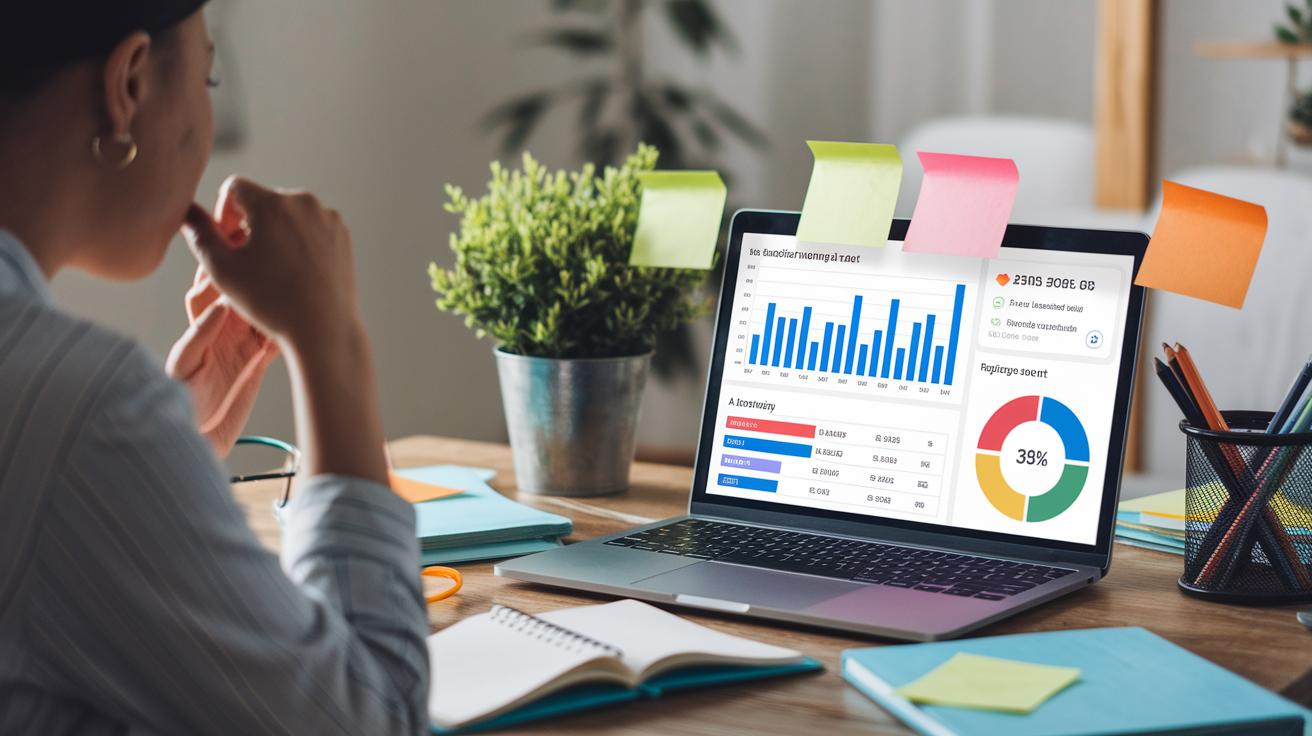
Try out advanced customizations and watch your financial picture come into sharper focus. For instance, I once added a custom note column to track unexpected expenses. It turned out that noting even small, miscellaneous costs could reveal surprising spending trends.
Another smart move is to set spending alerts for specific categories. If a particular area, like dining out, starts nearing your limit, an alert can give you a heads-up to review things before it becomes a larger issue. I remember getting a prompt when my restaurant bills hit 80% of my set budget, which helped me adjust my spending in time.
Also, think about integrating extra tools that automatically update and visualize your data. Dynamic charts and graphs can make trends much easier to spot, helping you make proactive decisions. For example, seeing a steady drop in monthly utility spending pointed out potential areas for additional savings.
- Create custom fields for more detailed tracking.
- Set up timely spending alerts.
- Use dynamic visuals to transform your data into clear insights.
This strategy transforms your finance tracker into a proactive, personalized guide for managing your money more effectively.
Final Words
In the action, we broke down top finance tracker tools, from desktop software to mobile apps and customizable Excel and Google Sheets templates. We touched on key features like expense tracking, spending analytics, and investment monitoring. Step-by-step setup instructions and practical budgeting tips made it easy to get started and stay on track.
This guide aims to simplify finance tracking while boosting confidence in money management. It's all about making your financial planning clear and you feeling empowered every day.
FAQ
Q: What is a finance tracker?
A: A finance tracker is a tool that records your income, expenses, and budgets. It simplifies money management by offering a clear view of your spending and savings through built-in templates, apps, or spreadsheets.
Q: How do finance tracker templates work, and are free options available?
A: Finance tracker templates use pre-built spreadsheets or forms to log transactions and manage budgets. Many free versions exist for Excel and Google Sheets, making it simple to keep tabs on your finances.
Q: How can Excel and Notion be used as finance trackers?
A: Excel and Notion offer customizable finance tracker templates that allow you to log expenses, set budgets, and view spending trends. These tools adapt to your preferred method, giving you full control over your data.
Q: What’s the best way to track finances?
A: The best way to track finances is to use a tool that fits your habits—whether a spreadsheet, app, or online template—and to perform regular reviews. This method increases spending awareness and keeps you on track.
Q: What does the 50/30/20 rule mean in finance?
A: The 50/30/20 rule divides your income into 50% for necessities, 30% for lifestyle choices, and 20% for savings or debt. It offers clear guidance for balanced money management.
Q: Which free financial tracking apps are recommended?
A: Recommended free financial apps include Credit Karma, Intuit Mint, Credit Sesame, NerdWallet, Empower, and Personal Capital. These apps provide user-friendly interfaces and clear insights into your financial life.
Q: How does the PocketGuard budget tracker app work?
A: PocketGuard syncs your bank transactions, categorizes your spending, and sends budget alerts. Its streamlined approach helps you stick to your budget and identify opportunities to save money.